
Save an internal note#
- Open the request and scroll to Internal staff notes.
- Enter the checks you made or the next action in Add internal note.
- Select Save internal note.
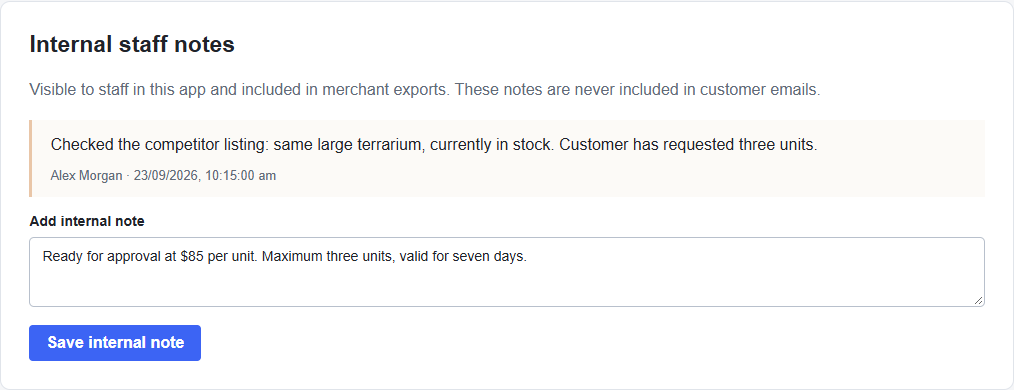
A request supports up to 25 notes of 2,000 characters each, subject to the total record size. Saved notes retain their author and timestamp.
Keep customer messages separate#
Internal notes are visible to staff with app access and are included in merchant exports. They are never included in acceptance or decline emails. The decline reason is different: it is customer-facing.
Use notes for relevant product checks and team handovers. Check the request’s History for the sequence of recorded actions.